01 Menu Bar Command Center
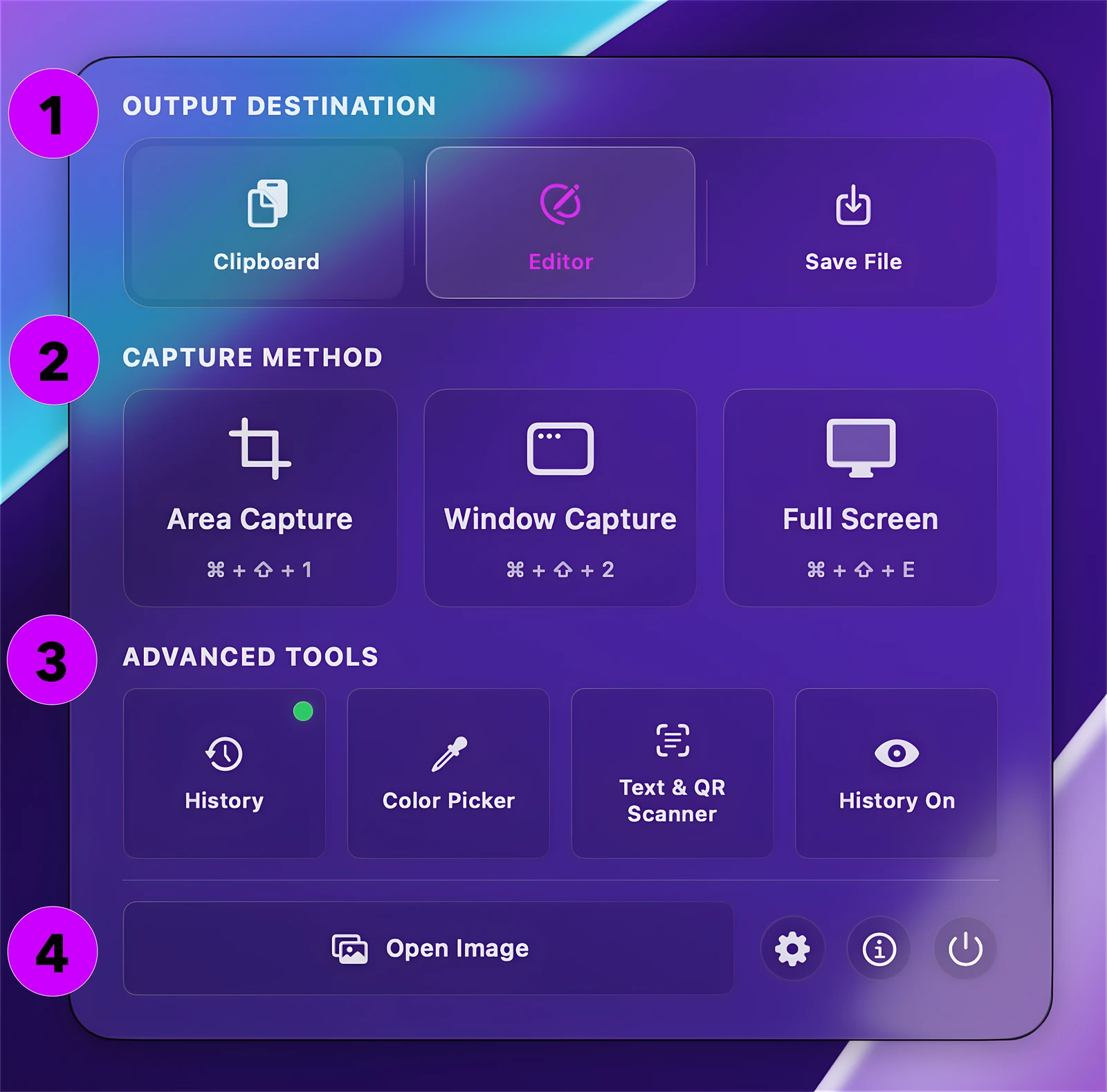
All capture modes and quick tools in one popover.
- 1. Output Destination: Send captures straight to the Clipboard, open in the Editor, or Save as a File.
- 2. Capture Method: Grab a custom Area, a single Window, or the Full Screen via clicks or global shortcuts.
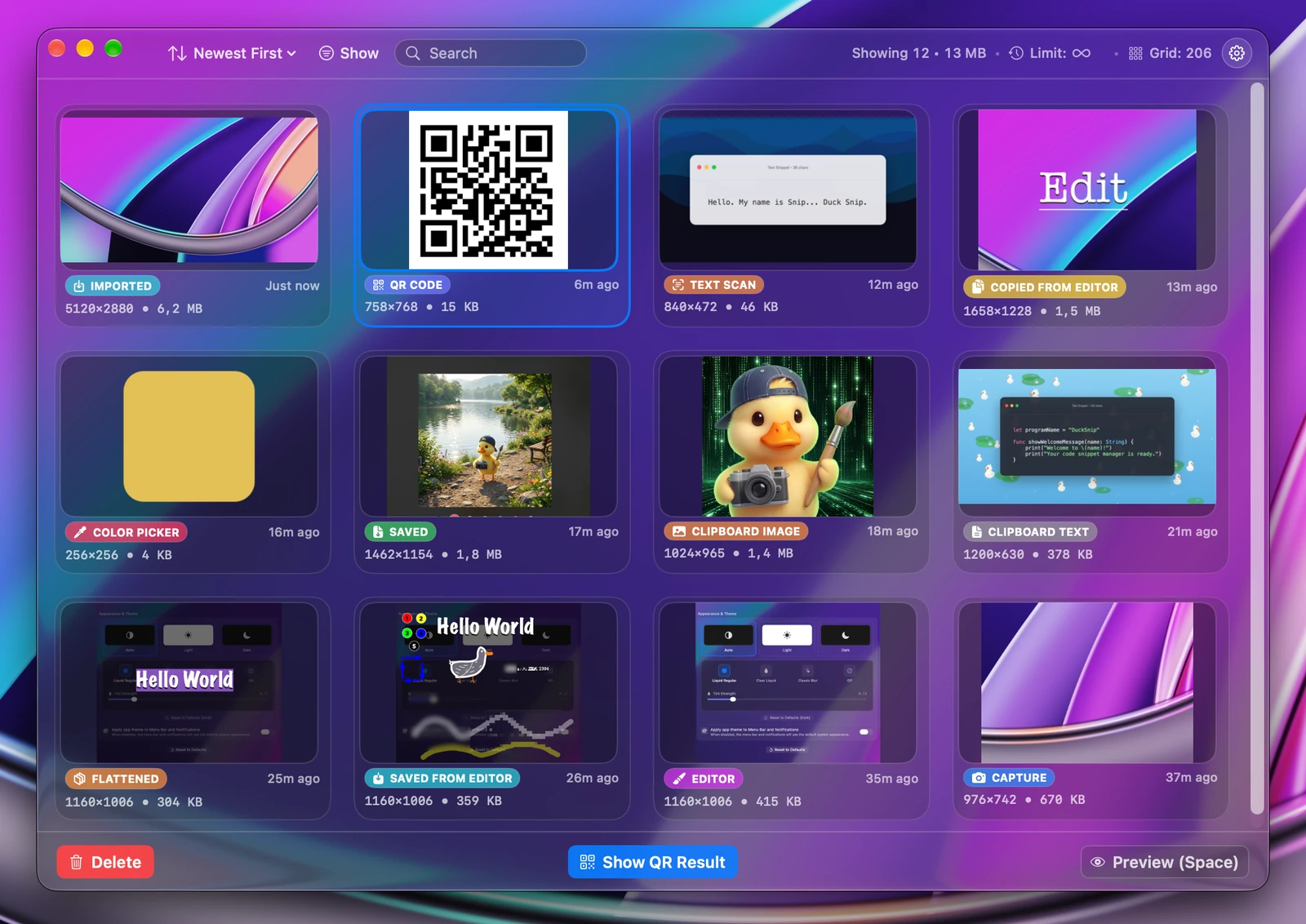
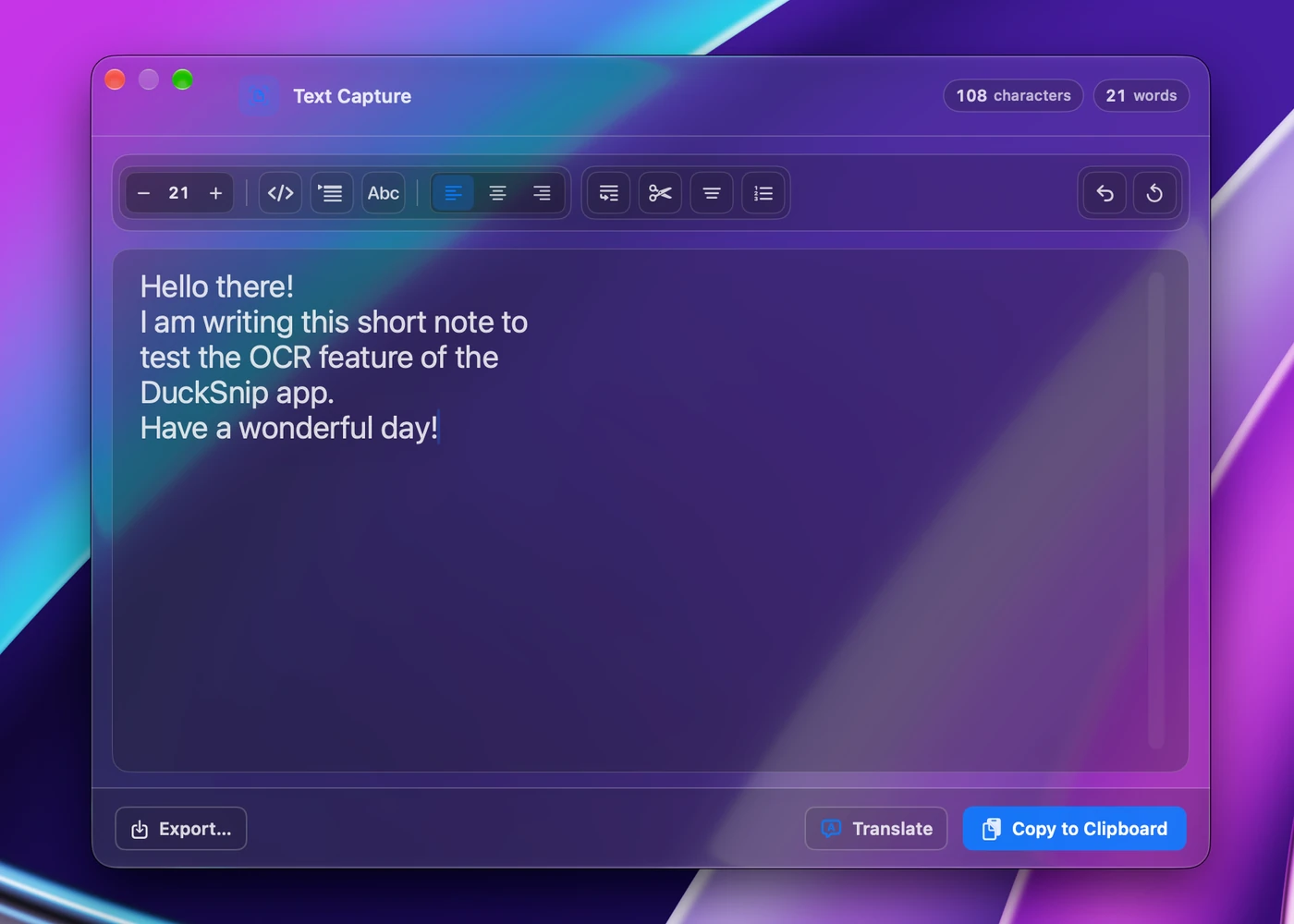
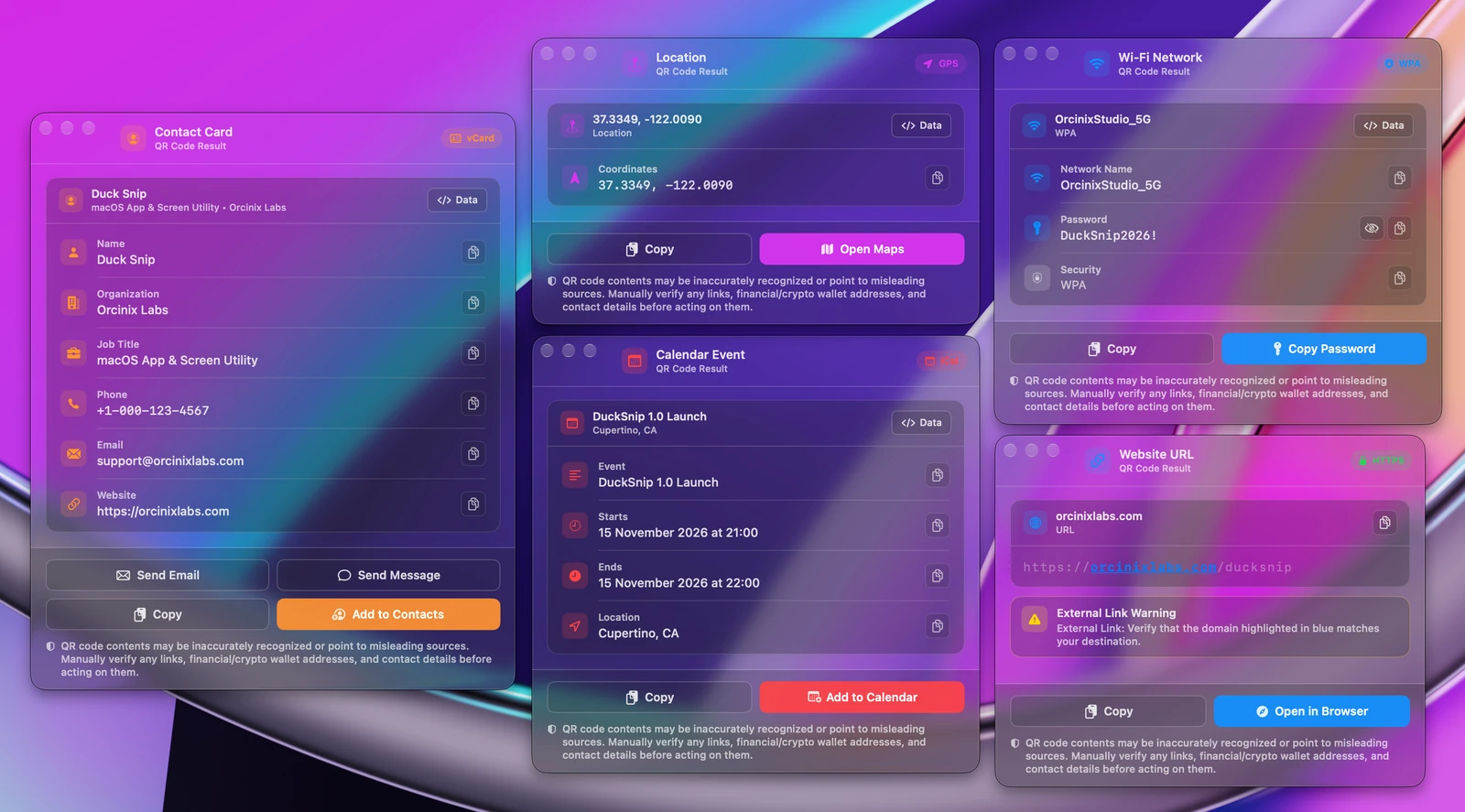
- 3. Advanced Tools: Open History, pick screen colors (HEX/RGB), scan on-device Text & QR codes, or pause History (Incognito Mode).
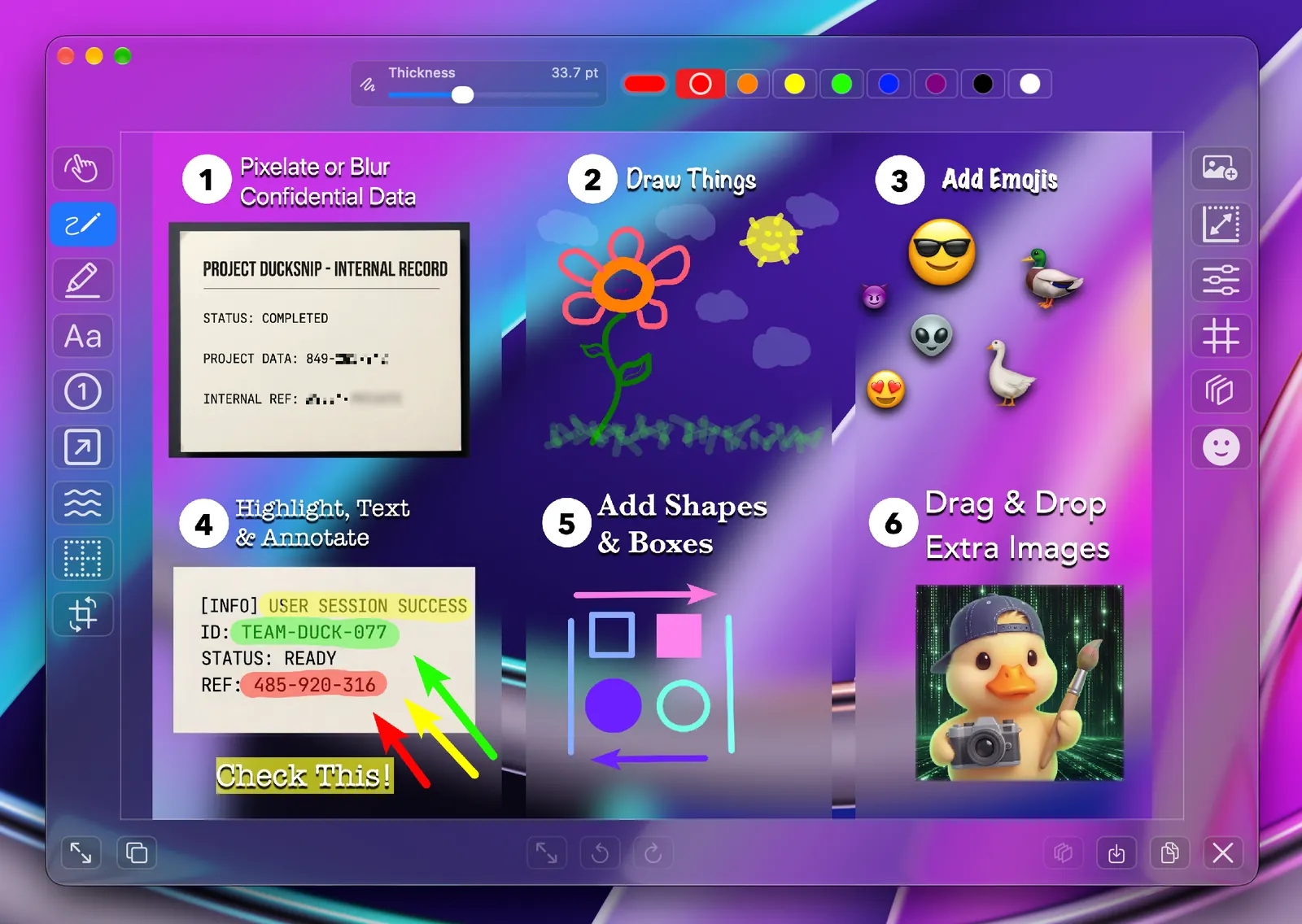
- 4. Open Image & Controls: Load any local image directly into the Editor or jump to Settings.